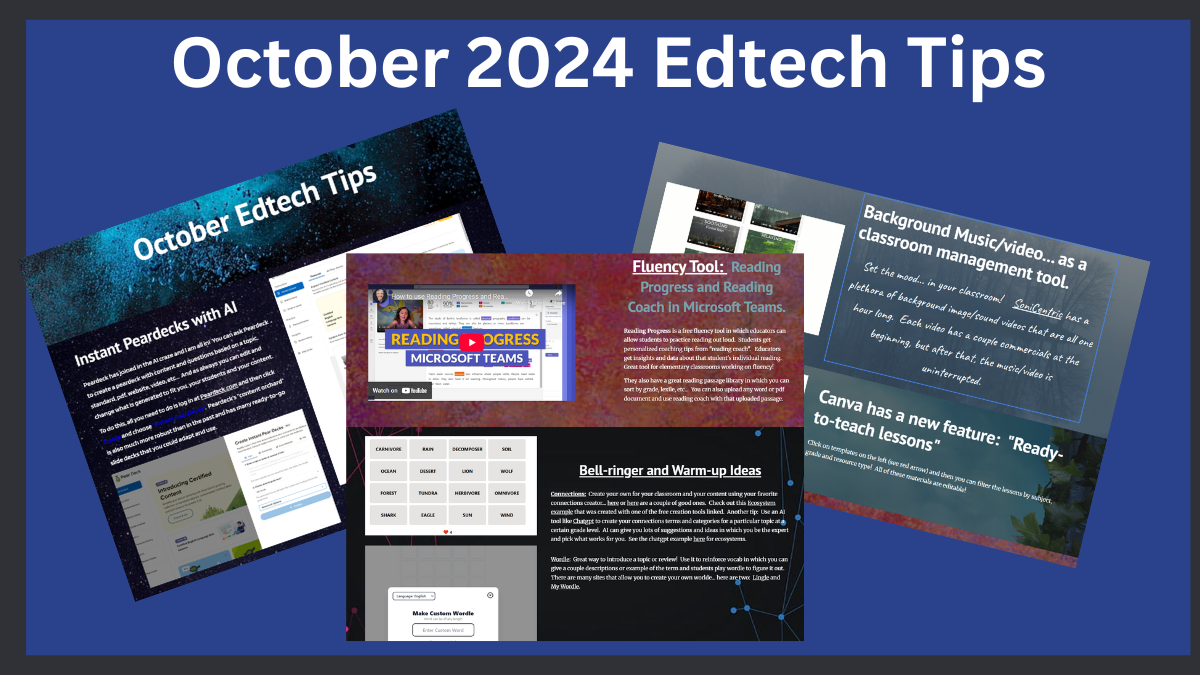
Canva is an amazing online graphic design tool.

- You or your students, can create posters, flyers, social media, projects, resumes, infographics, edit photos/videos, presentation slides, talking presentations, video edits and transitions, text animations, background remover, graphic organizers, schedules, essay plans, comic designs, virtual backgrounds, book reports, lesson plans, worksheets, etc…
- It has millions of premium templates, photos, fonts, icons, videos, or you can start from scratch!
- All the premium features can be used by teachers free when you sign up for Canva for Education. When you sign your students up (create a class; send them the invitation link), they also get all the premium features for free.
- Students can collaborate on the same project.
- Projects can be downloaded in a variety of ways; all projects are also stored on the Canva website.


Leave a ReplyCancel reply